
Products
Catalog, quotation Excel import, and bulk edit.
Products is the catalog you reuse on quotations. Store specs, packing, typical supplier, and a typical sell price in USD as a tip. The document unit price on a quotation is still the source of truth for billing.
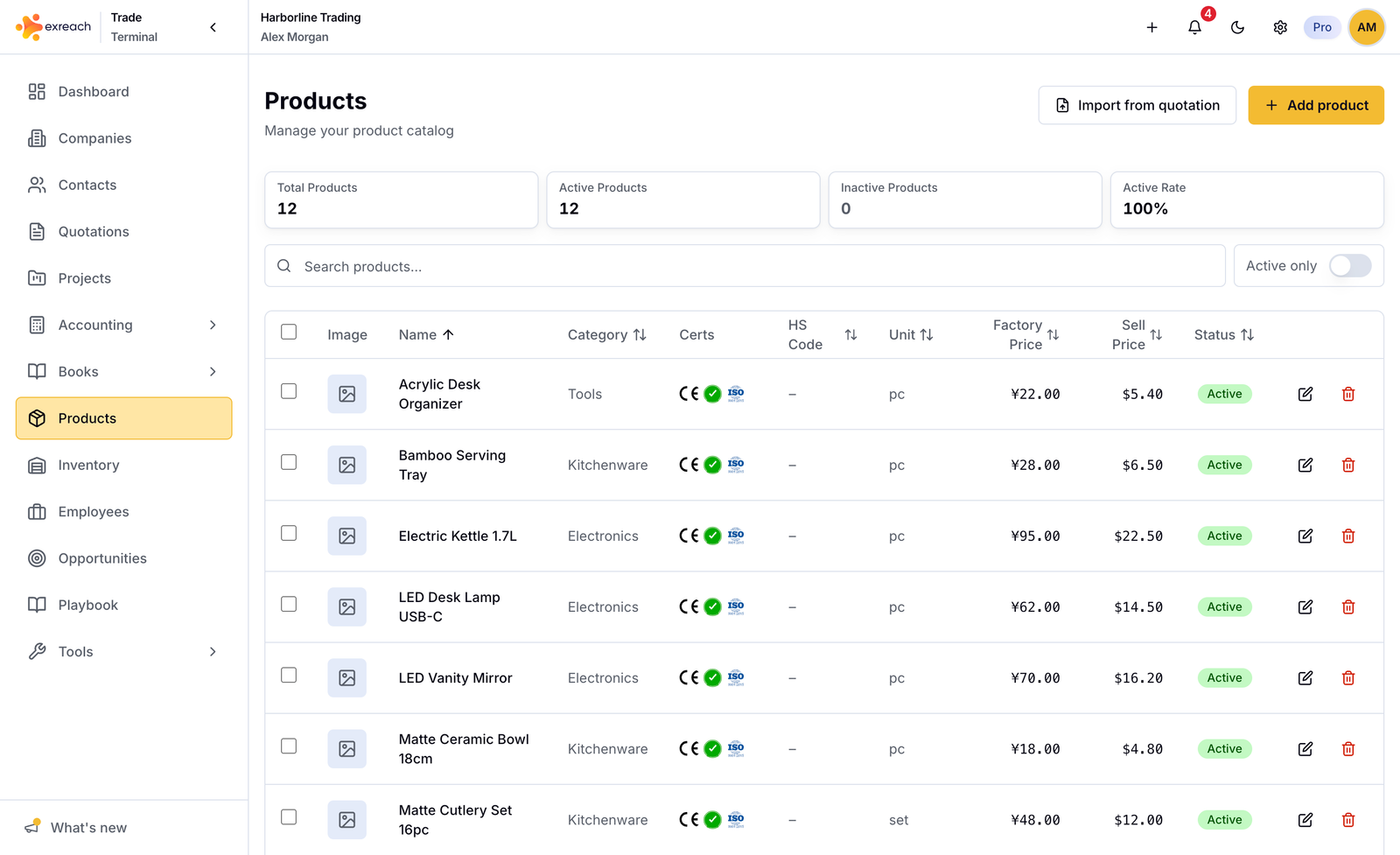
Marketing: Products.
List
- Search and active filter
- Open a product to edit images and specs
- Product image: click the image area, then drop a file, paste with Cmd+V, or choose a file. JPEG, PNG, or WebP.
- Lite allows up to 50 products. See Plans.
Import from quotation Excel
- Open the import control on Products.
- Choose a quotation Excel file you exported from Exreach.
- Review rows. Use the same primary / more columns pattern as the quotation line table.
- Optional: bulk-edit selected rows before save (including fill-empty-only).
- Save selected rows into the catalog. Duplicate rows stay unselected by default.
- Optional: Create quotation on the success step. New quotation opens with the Excel lines already filled, in the same order as the file. Quantity comes from column F. Unselected catalog matches are included. You still select the customer and save as draft.
Quantity is not stored on the catalog product. It is used only on the quotation lines.
Bulk actions
- Delete selected (one or more)
- Bulk edit saved products (two or more, desktop)
Delete
Delete is blocked when the product is on a project line or in inventory. See What you can delete.